
Connected button group in Jetpack Compose
Short answer: put ToggleButtons in a Row spaced by
ButtonGroupDefaults.ConnectedSpaceBetween, and give the first, middle and last buttons
connectedLeadingButtonShapes(), connectedMiddleButtonShapes() and
connectedTrailingButtonShapes(). The outer corners stay round, the inner corners stay tight,
and the checked button turns into a pill.
The code
Section titled “The code”@Composablefun ConnectedChoice(options: List<String>, modifier: Modifier = Modifier) { var selected by rememberSaveable { mutableIntStateOf(0) } Row( modifier.fillMaxWidth(), horizontalArrangement = Arrangement.spacedBy(ButtonGroupDefaults.ConnectedSpaceBetween), ) { options.forEachIndexed { index, label -> ToggleButton( checked = index == selected, onCheckedChange = { selected = index }, // Outer corners stay round, inner corners stay tight, the checked one becomes a pill. shapes = when (index) { 0 -> ButtonGroupDefaults.connectedLeadingButtonShapes() options.lastIndex -> ButtonGroupDefaults.connectedTrailingButtonShapes() else -> ButtonGroupDefaults.connectedMiddleButtonShapes() }, modifier = Modifier .weight(1f) .semantics { role = Role.RadioButton }, // single choice, so announce as radio ) { Text(label) } } }}What each part does
Section titled “What each part does”ConnectedSpaceBetween: the small, standard gap between connected buttons.- Connected shapes: each
ToggleButtonShapeshas a normal, pressed and checked shape, so the button animates its corners when pressed and when checked. Role.RadioButton: the group is single-choice, so TalkBack should say “radio button, selected” instead of “toggle button, on”.weight(1f): equal widths make the group look like one control.
Where you’ll see it
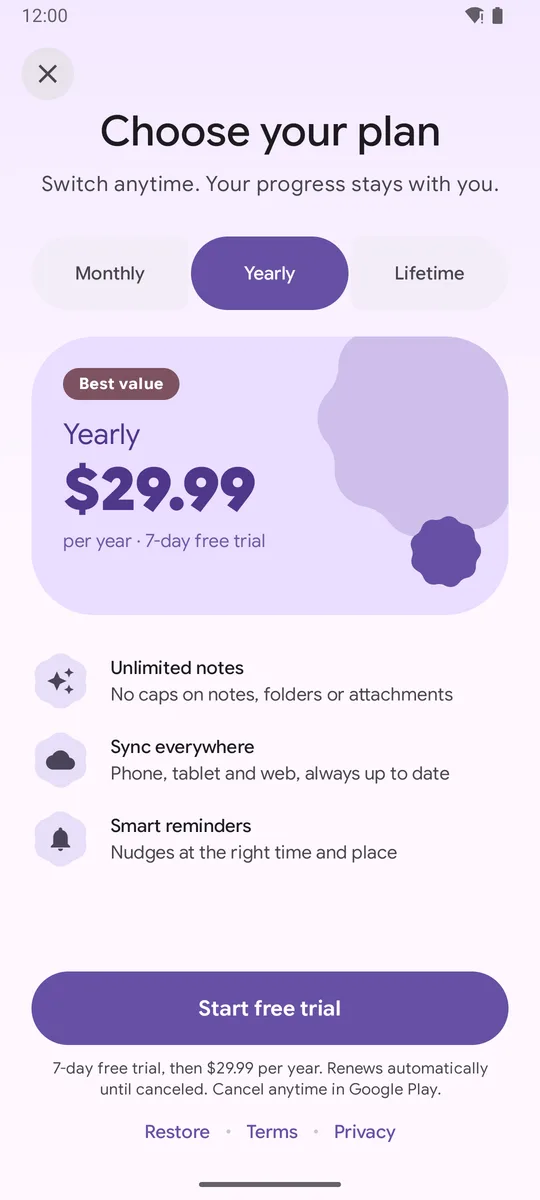
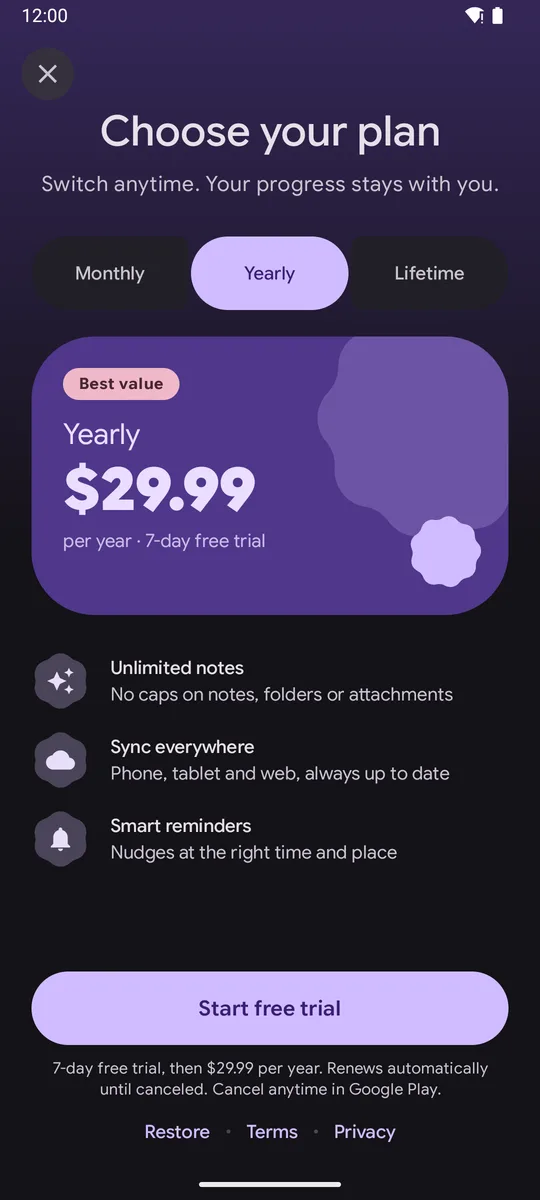
Section titled “Where you’ll see it”The plan picker paywall uses this exact pattern for Monthly / Yearly / Lifetime, and the demo app’s settings sheet uses it for System / Light / Dark.
Common mistakes
Section titled “Common mistakes”- Using the same shapes for every button: you lose the connected look.
- Labels that are too long: three short words fit a phone screen; four long ones don’t.
- Forgetting the semantics role, so screen readers announce checkboxes.
Related
Section titled “Related”FAQ
Should I use the ButtonGroup composable or a Row?
ButtonGroup handles overflow menus and press animations between neighbors. For a fixed, single-choice selector like plans or theme modes, a Row with ButtonGroupDefaults.ConnectedSpaceBetween and connected shapes is simpler.
How do I make it single choice?
Keep one selected index in state, set checked = index == selected, and give each button Role.RadioButton semantics so TalkBack announces it as a choice.
Which material3 version has ToggleButton?
The Material 3 Expressive toggle and button group APIs are in androidx.compose.material3 1.5.0 (this site uses 1.5.0-beta02).
Try it in your app
Add the library (JitPack, minSdk 26), then follow Getting started.
implementation("com.github.sanikantv:m3-expressive-paywall:v1.0.0")⭐ If this guide helped, star M3 Expressive Paywall on GitHub. It helps other Compose developers find it.
Built by Sanikant. Set in Google Sans Flex (SIL Open Font License). Not affiliated with Google.